> For the complete documentation index, see [llms.txt](https://docs.colt.net/llms.txt). Markdown versions of documentation pages are available by appending `.md` to page URLs; this page is available as [Markdown](https://docs.colt.net/welcome-to-colt-docs.md).
# WELCOME TO COLT DOCS
Introducing Colt Docs
## WELCOME TO COLT DOCS
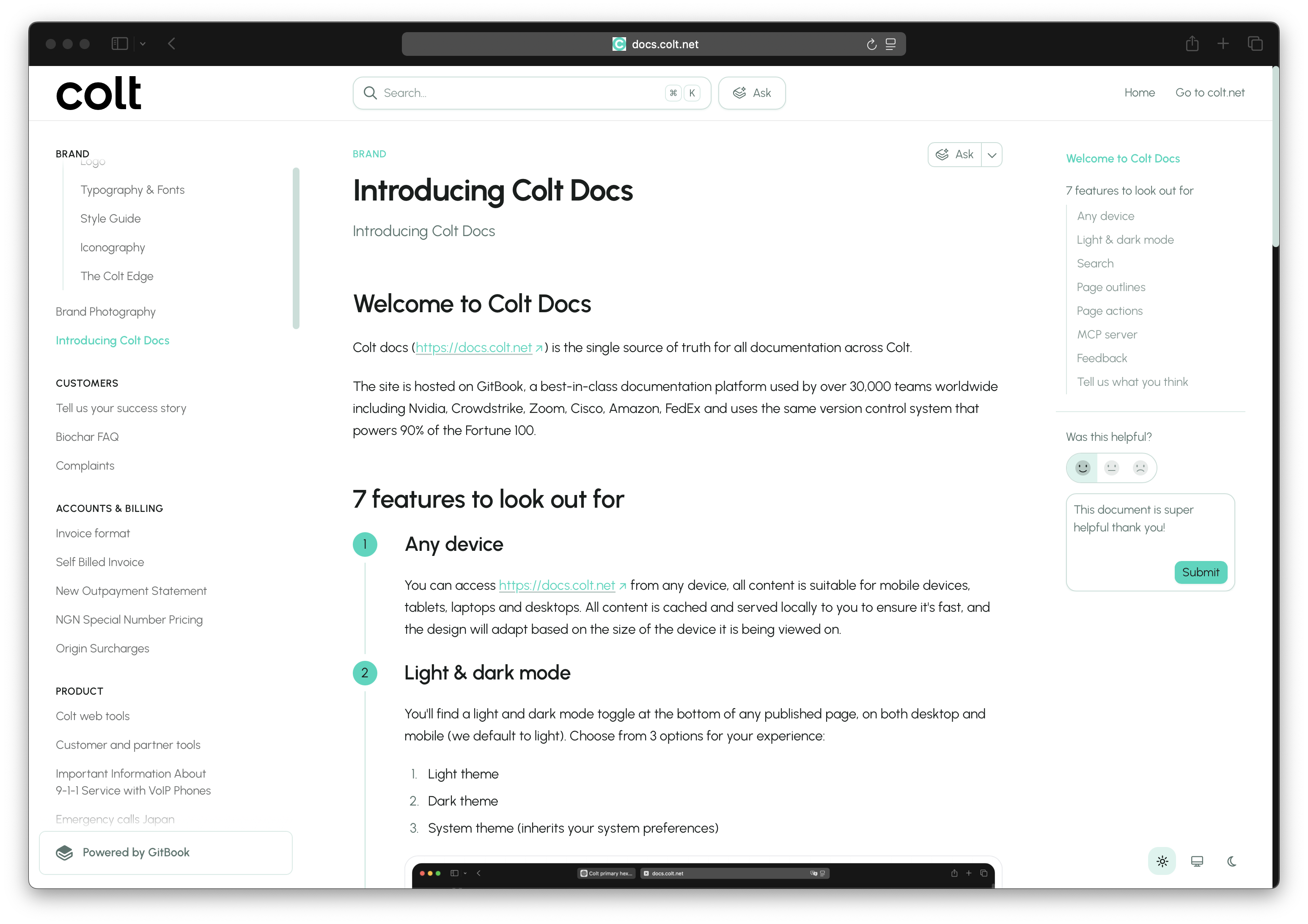
Colt docs ([https://docs.colt.net](https://docs.colt.net/)) is the single source of truth for all documentation across Colt.
The site is hosted on GitBook, a best-in-class documentation platform used by over 30,000 teams worldwide including Nvidia, Crowdstrike, Zoom, Cisco, Amazon, FedEx and uses the same version control system that powers 90% of the Fortune 100.
## 7 FEATURES TO LOOK OUT FOR
{% stepper %}
{% step %}
### ANY DEVICE
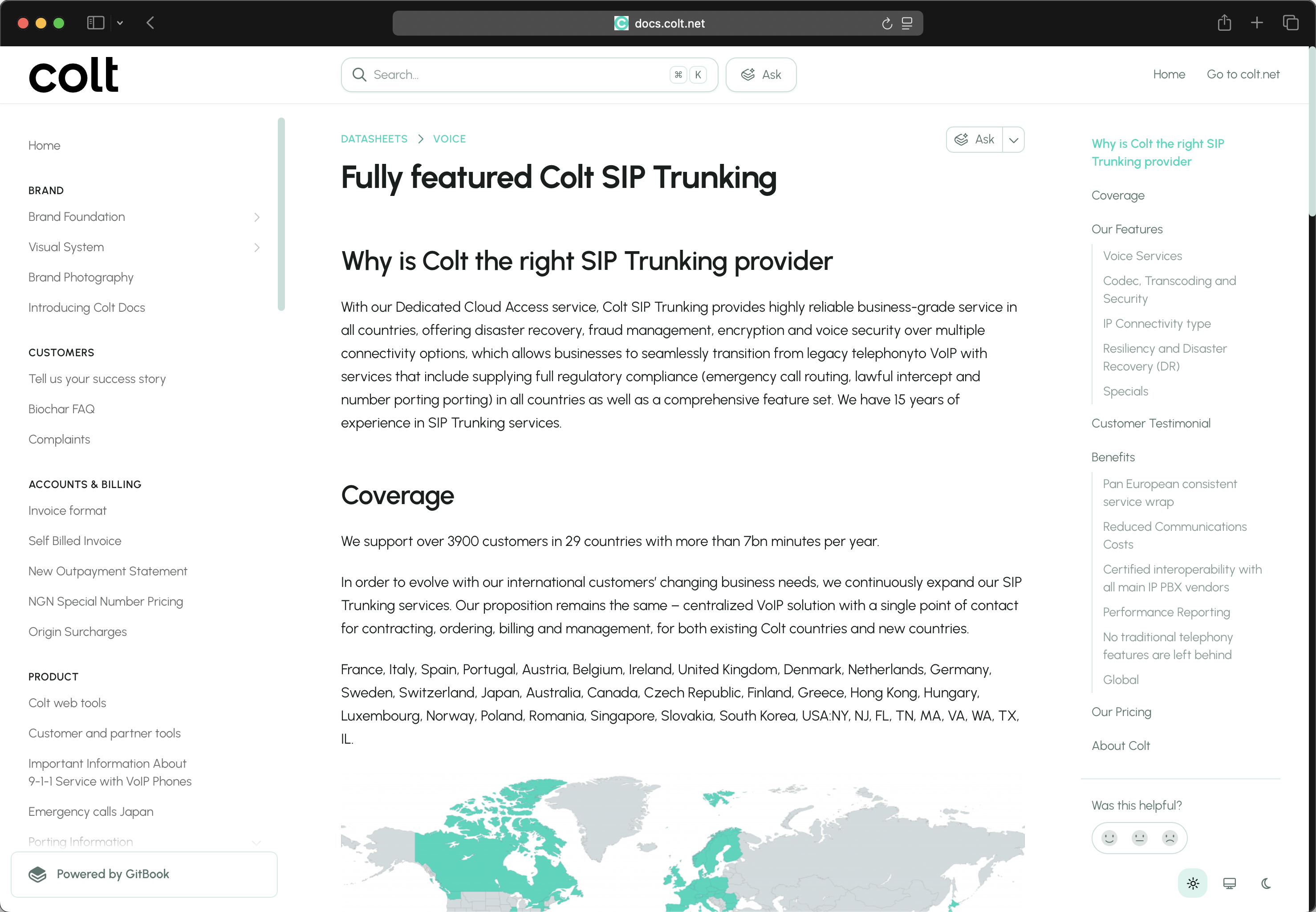
You can access [https://docs.colt.net](https://docs.colt.net/) from any device, all content is suitable for mobile devices, tablets, laptops and desktops. All content is cached and served locally to you to ensure it's fast, and the design will adapt based on the size of the device it is being viewed on.
{% endstep %}
{% step %}
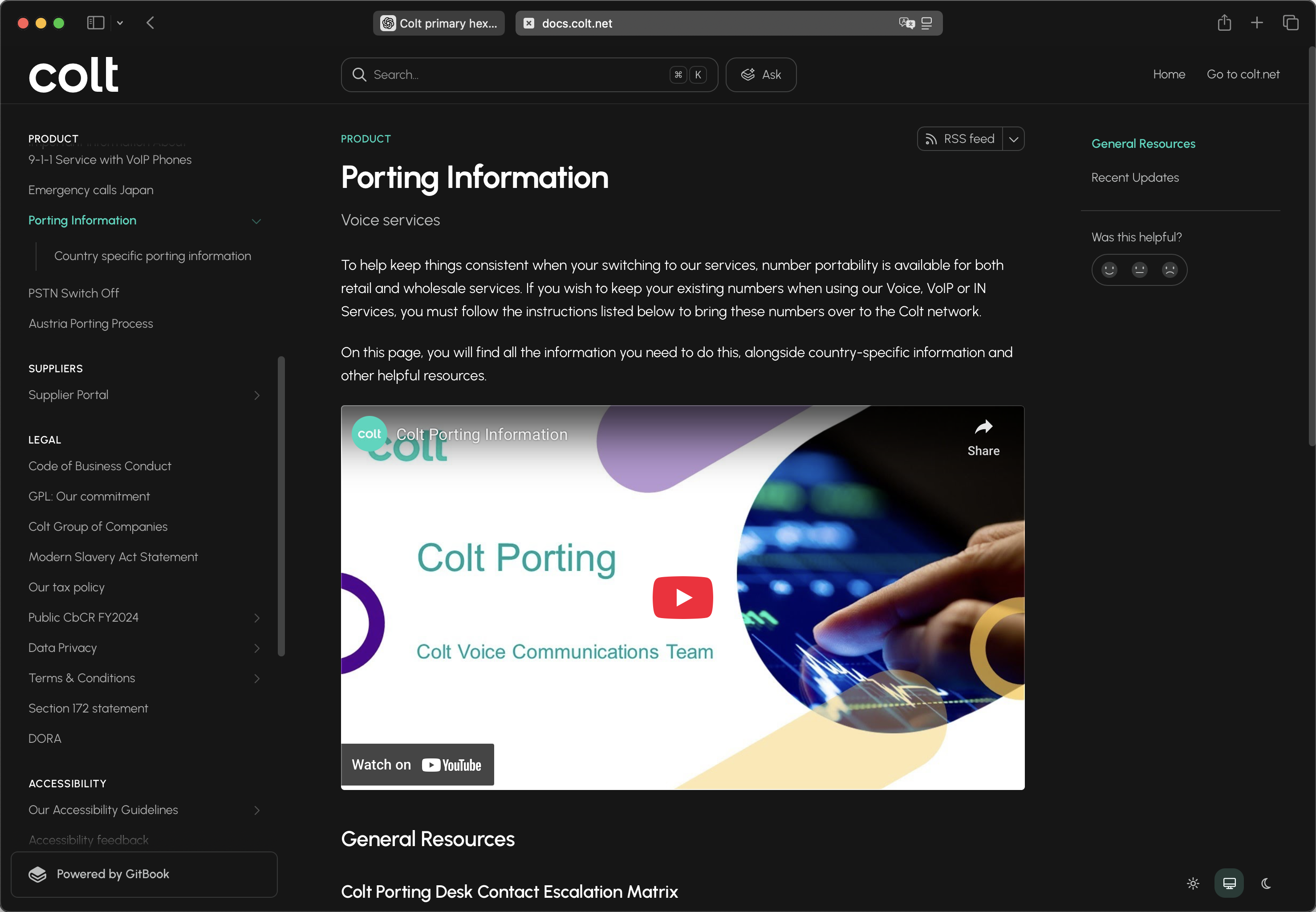
### LIGHT & DARK MODE
{% hint style="info" %}
There are 3 options available - light theme, dark theme and system theme (which inherits your system preferences).
{% endhint %}
You'll find a light and dark mode toggle at the bottom of any published page, on both desktop and mobile (we default to light).
{% endstep %}
{% step %}
### SEARCH
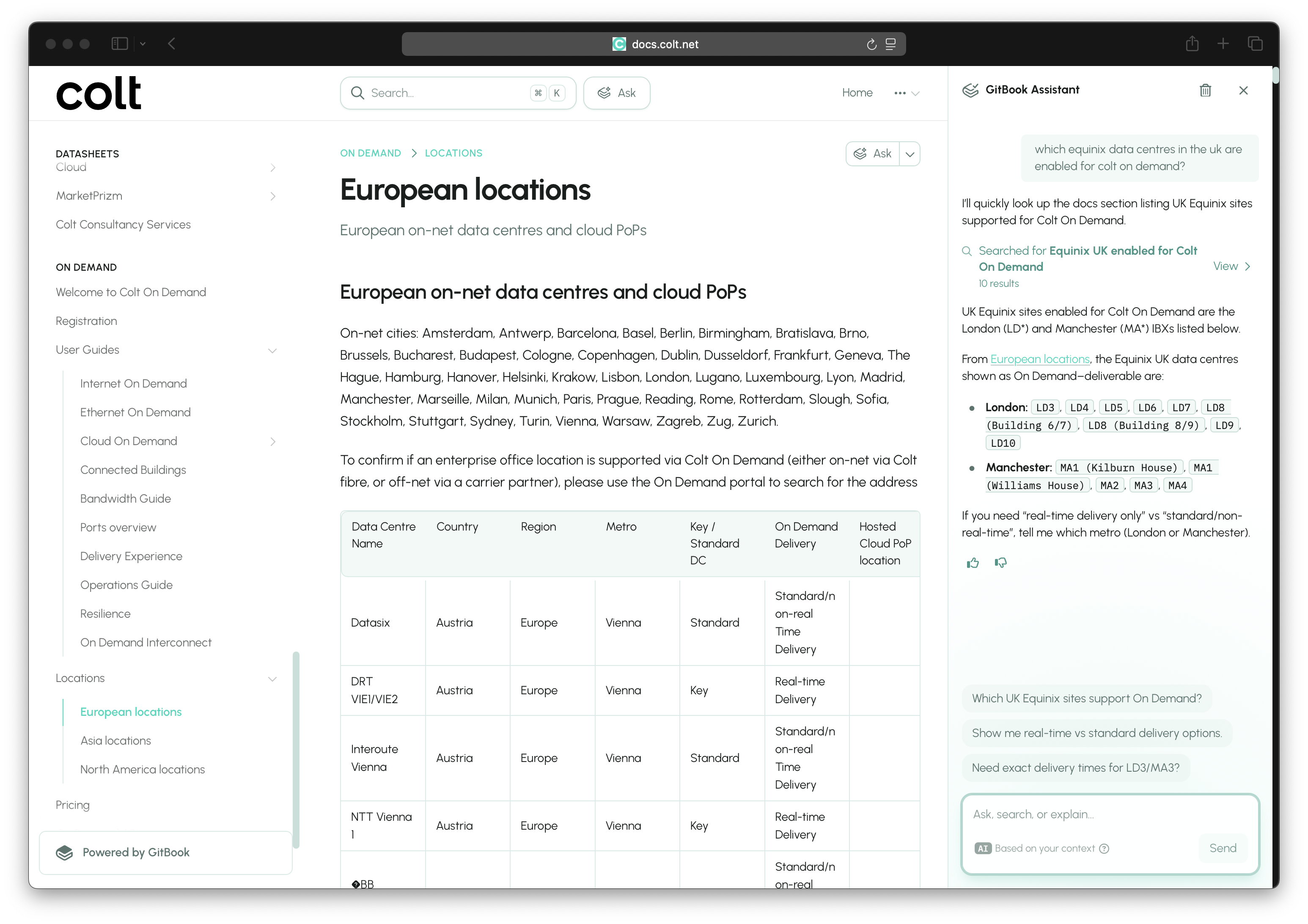
Try out the search at the top of the site and ask questions in natural language. In addition to fast type-ahead search the AI assistant can search across multiple documents for you to answer your questions. Search results include source citations and breadcrumbs and the AI assistant suggests follow-up questions automatically.
{% hint style="info" %}
We have pre-configured a few example questions in the AI assistant to get you started:
1. what are the main features of this new docs site?
2. i'd like to port my voice numbers to colt
3. tell me about colt on demand
4. what are the benefits of colt ip access?
{% endhint %}
{% endstep %}
{% step %}
### PAGE OUTLINES
Automatically generated page outlines are generated on the right of the screen based the page headings, so you can click on a title to jump straight to the information you want.
{% hint style="info" %}
If you are sharing a link to specific content, you can also use H1, H2 and H3 titles as anchor links to direct people to a specific section on the page.
{% endhint %}
{% endstep %}
{% step %}
### PAGE ACTIONS
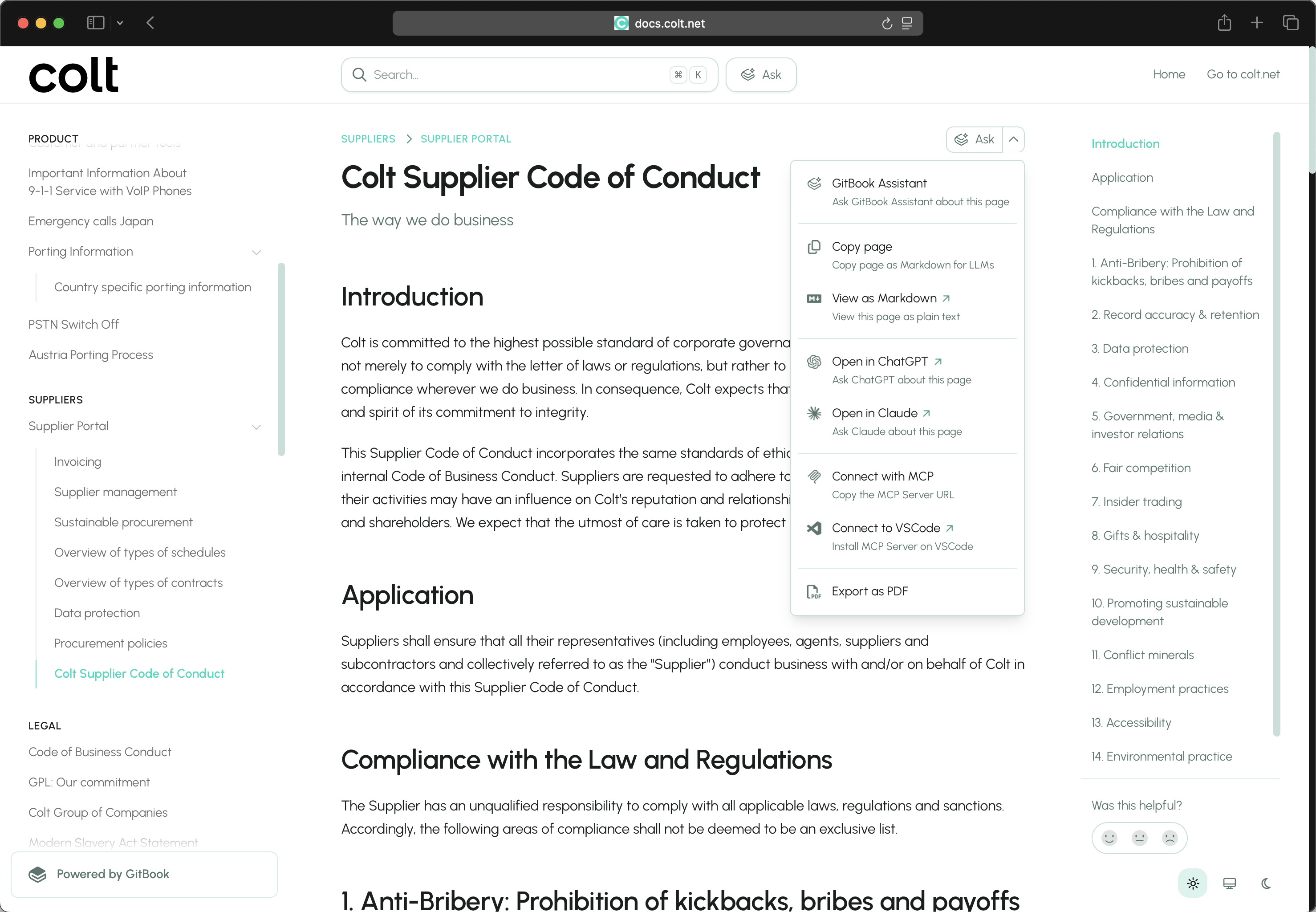
Use the page actions menu (top right) for common actions right on the page, including the ability to export as PDF, or ask questions about the content of the page in ChatGPT and Claude.
{% endstep %}
{% step %}
### MCP SERVER
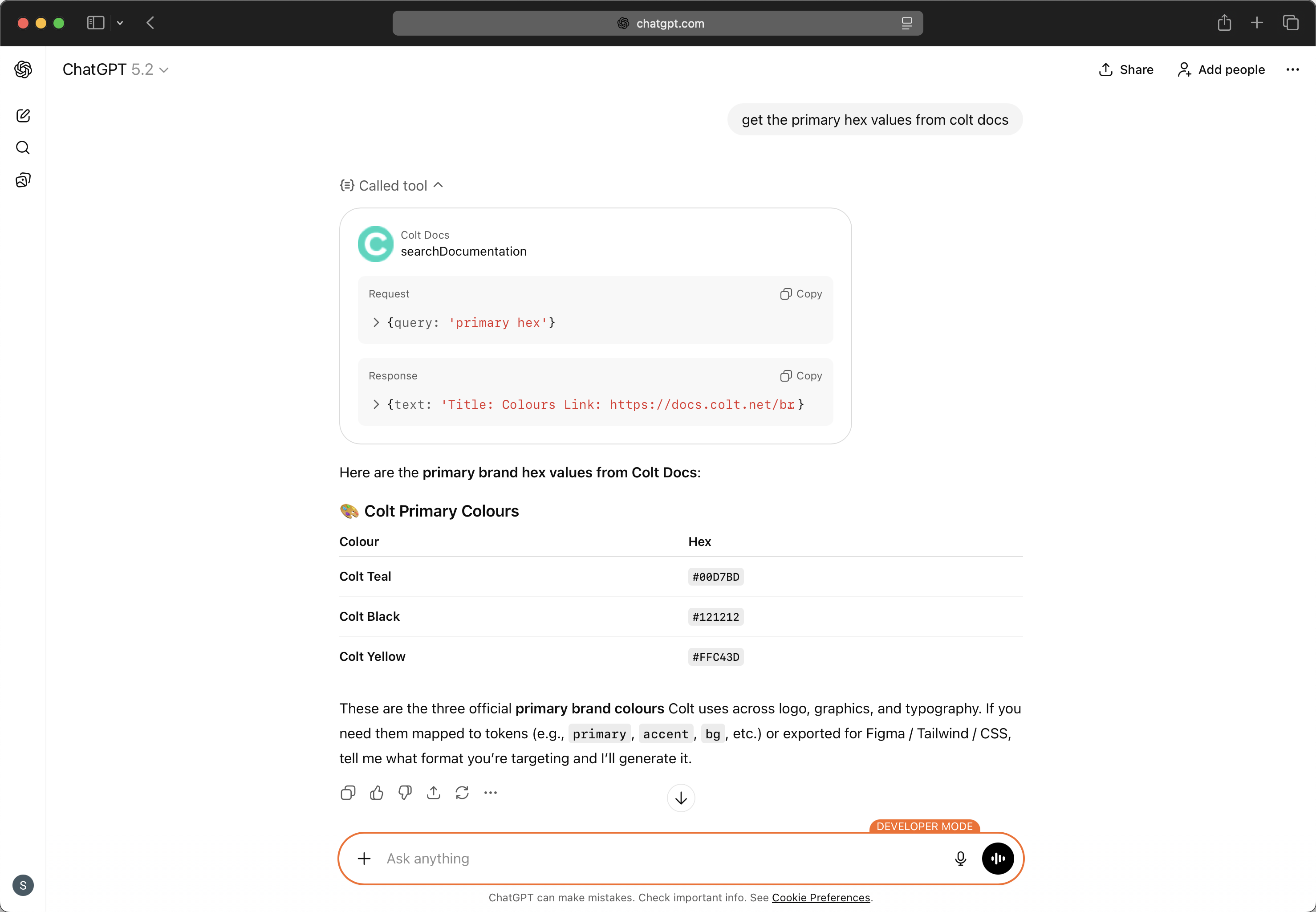
Use the Colt Docs MCP server () to use Colt Docs MCP tools within ChatGPT, Claude, VSCode or any other client.
{% endstep %}
{% step %}
### FEEDBACK
On the right-hand side of every page you will see 'Was this helpful?'. You can leave a rating (sad, neutral, or happy face) and leave feedback directly on any page to let us know how you feel about it. We'll review all feedback and comments for insights on how these docs can be improved.
{% endstep %}
{% endstepper %}
### TELL US WHAT YOU THINK
This is a v1 release and we have lots of improvements planned throughout 2026. Use the feedback feature (above) to tell us what you think and what we should work on next.
We also get a lot of insights behind the scenes that enable us to continually improve and optimise the experience for our customers and users.
{% embed url="" %}