> For the complete documentation index, see [llms.txt](https://docs.colt.net/llms.txt). Markdown versions of documentation pages are available by appending `.md` to page URLs; this page is available as [Markdown](https://docs.colt.net/on-demand/ja/user-guides/dynamic-shift.md).
# ダイナミックシフト
### ダイナミック回線移設
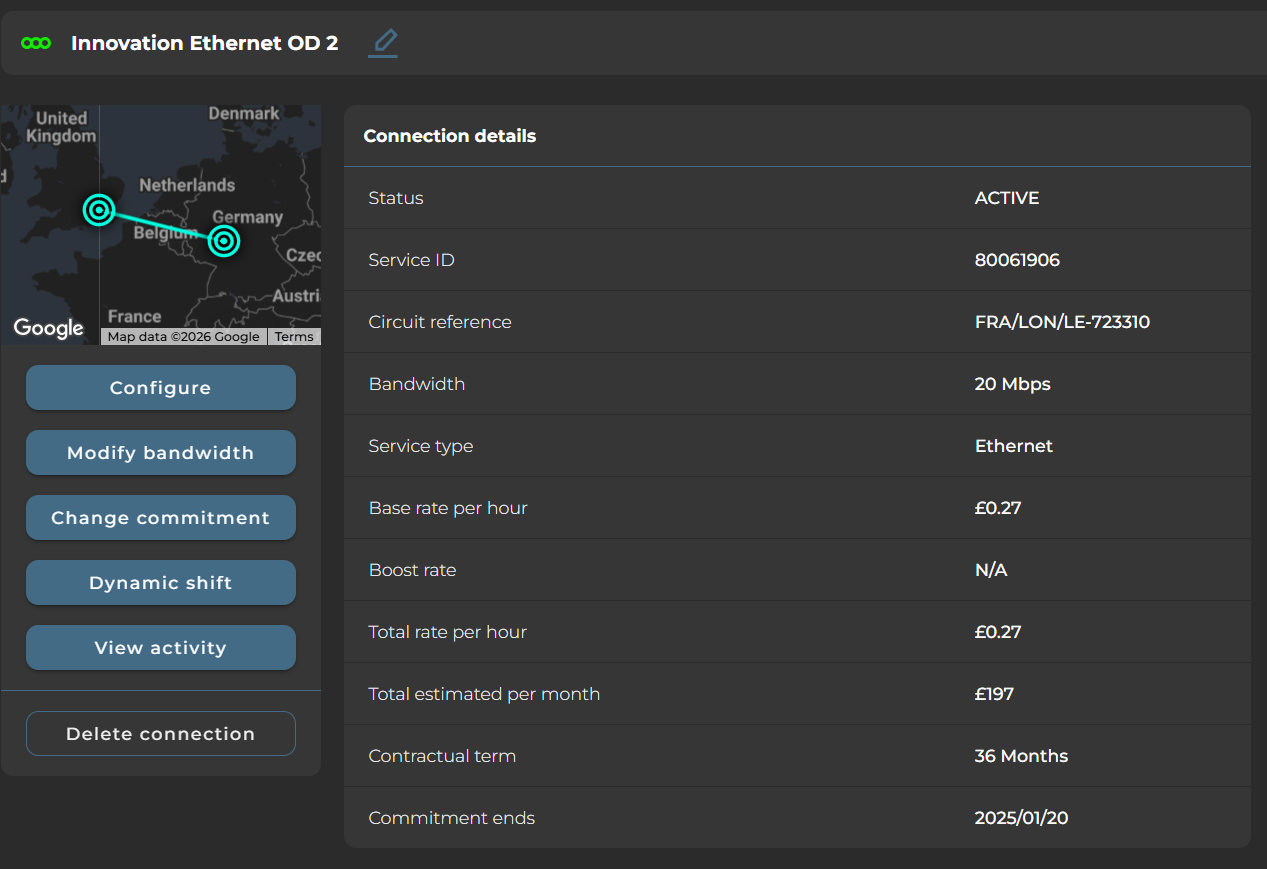
お客様は、既存の On Demand ポート間で On Demand Ethernet および Cloud 接続を移動できます。たとえば、オフィス移転に対応する場合などです。
最初のステップは、新しい拠点で新しいポートを注文することです。ポートが納品されたら、回線を移設できます。
回線が1時間(完全に柔軟)契約で購入されている場合、お客様は既存の回線を単純に削除し、希望の場所/ポートへの新しい回線を依頼できます。
3~36か月の固定期間契約で購入された回線では、Dynamic Shift機能により、価格と契約期間の両方を維持したまま回線を新しい拠点へ移動できます。
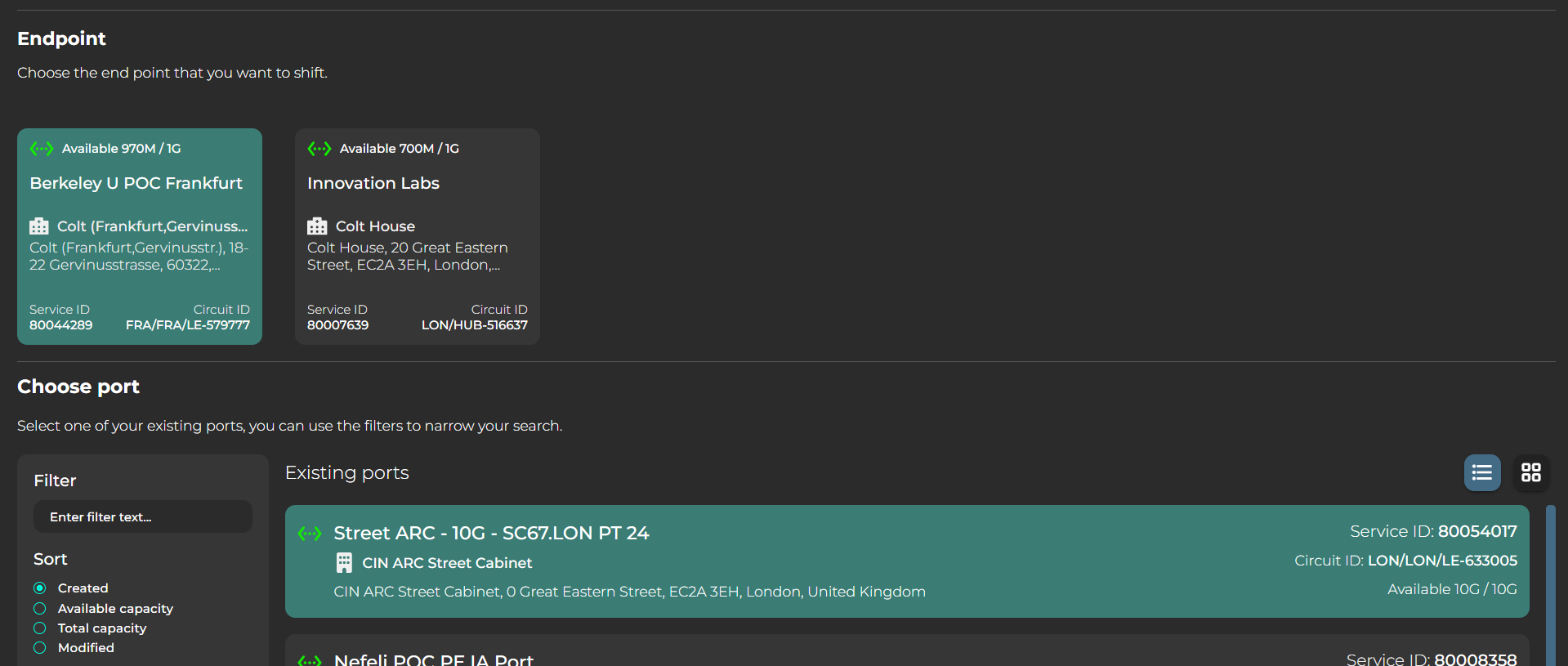
まず、移動する必要がある終端を選択します。次に、新しい拠点のポートを選択します。
その後、料金条件が表示されます。契約期間は常に維持され、価格は新しい拠点が別のメトロ都市にある場合にのみ変更されます(たとえば、回線接続が元々メトロサービスで、移設後は国際サービスになる場合)。
その後、リクエストを送信する前に、VLAN設定の確認を求められます。
なお、Dynamic Shift では、単一のプロセスで元の接続の削除と新しい接続の作成が行われます。つまり、全体の実行時間は標準的な新規提供または停止よりもわずかに長くなります。
---
# Agent Instructions
This documentation is published with GitBook. GitBook is the documentation platform designed so that both humans and AI agents can read, navigate, and reason over technical content effectively. Learn more at gitbook.com.
## Querying This Documentation
If you need additional information that is not directly available in this page, you can query the documentation by asking a question.
Perform an HTTP GET request on the following URL with the `ask` and `goal` query parameters:
```
GET https://docs.colt.net/on-demand/ja/user-guides/dynamic-shift.md?ask=&goal=
```
`ask` is the immediate question: it should be specific, self-contained, and written in natural language.
`goal` is what the user is ultimately trying to achieve, the reason they need the answer. Sharing it helps GitBook give you a better, more relevant answer. A goal is most helpful when it describes the outcome the user wants rather than restating the question. For example, with `ask=how do I create an API token`, a goal like `automate deployments from our CI pipeline` lets GitBook tailor the answer to that use case.
The response will contain a direct answer to the question and relevant excerpts and sources from the documentation.
Use this mechanism when the answer is not explicitly present in the current page, you need clarification or additional context, or you want to retrieve related documentation sections.