> For the complete documentation index, see [llms.txt](https://docs.colt.net/llms.txt). Markdown versions of documentation pages are available by appending `.md` to page URLs; this page is available as [Markdown](https://docs.colt.net/colt-docs/ja/welcome-to-colt-docs.md).

# COLT Docsへようこそ

Colt Docsのご紹介

## COLT DOCSへようこそ

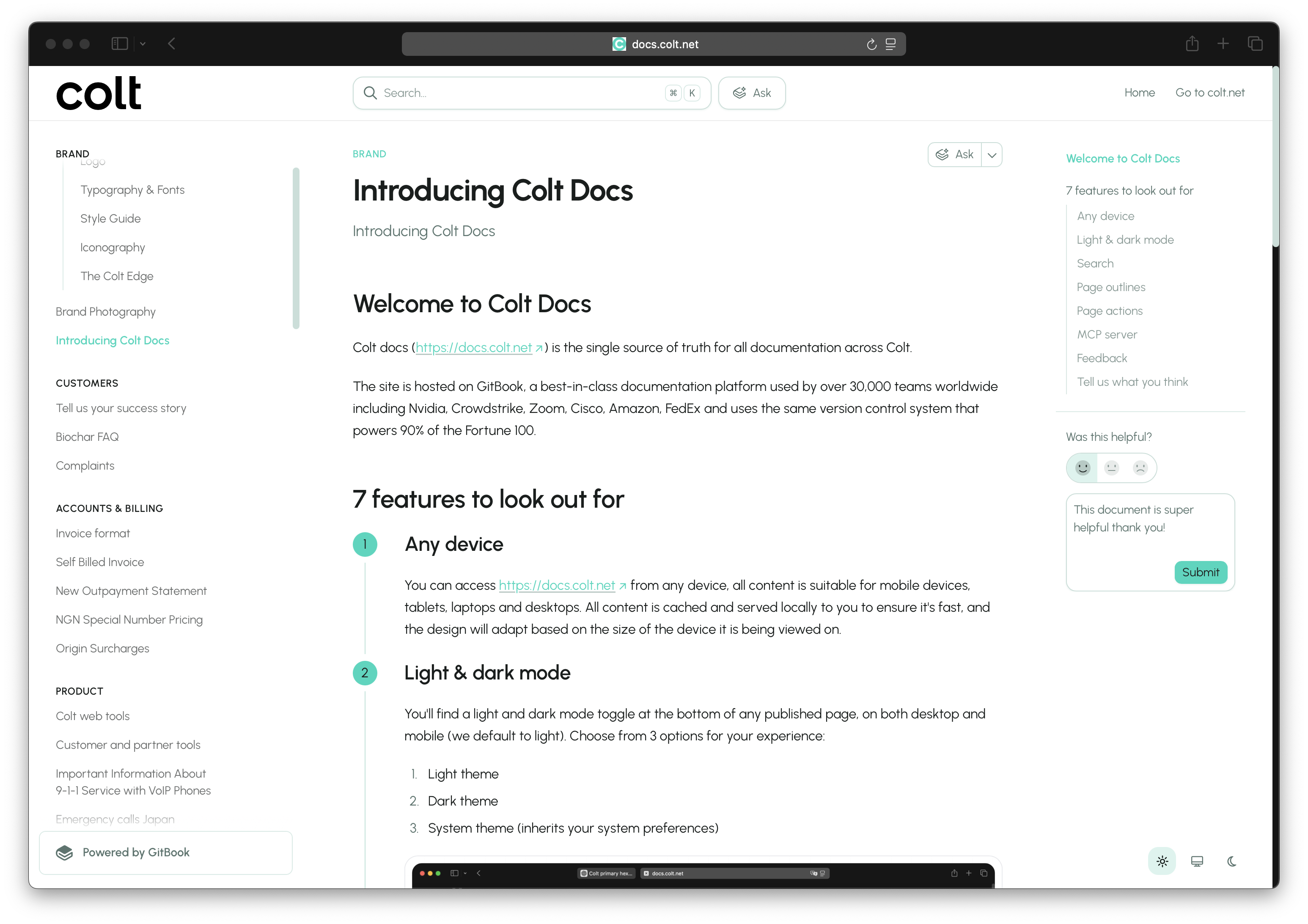
Colt docs ([https://docs.colt.net](https://docs.colt.net/)) は、Colt全体のすべてのドキュメントにおける唯一の正確な情報源です。

このサイトは GitBook 上でホストされています。GitBook は、Nvidia、CrowdStrike、Zoom、Cisco、Amazon、FedEx を含む世界中の30,000以上のチームに利用されている、業界最高水準のドキュメントプラットフォームであり、Fortune 100の90%を支えるのと同じバージョン管理システムを使用しています。

## 注目すべき7つの機能

{% stepper %}
{% step %}

### あらゆるデバイス

アクセスできます [https://docs.colt.net](https://docs.colt.net/) どのデバイスからでも、すべてのコンテンツはモバイル端末、タブレット、ノートパソコン、デスクトップに適しています。すべてのコンテンツはキャッシュされ、ローカルから配信されるため高速で、デザインは閲覧しているデバイスの画面サイズに応じて自動的に適応します。
{% endstep %}

{% step %}

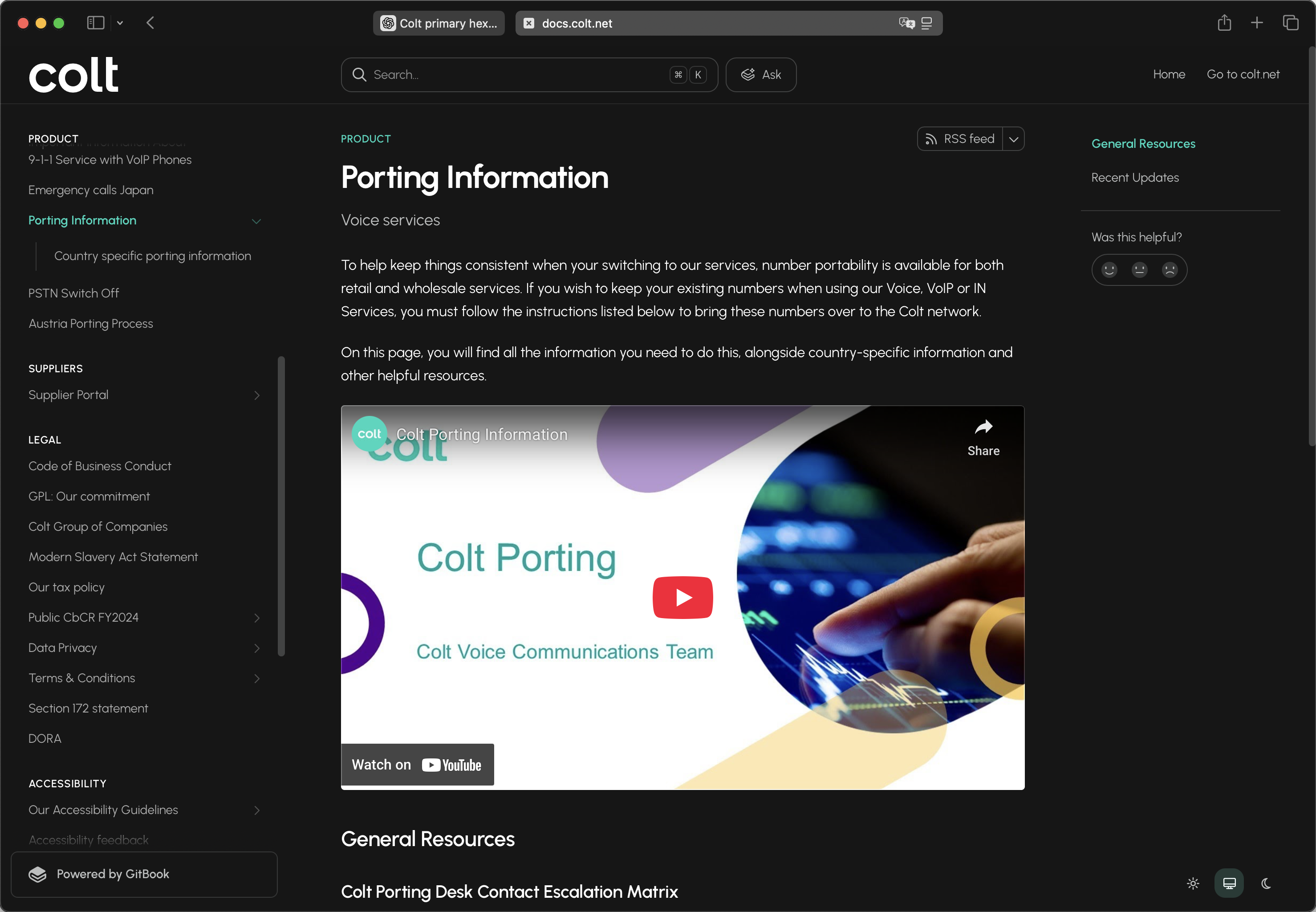
### ライトモードとダークモード

{% hint style="info" %}
利用できるオプションは3つあります。ライトテーマ、ダークテーマ、システムテーマ（システムの設定を引き継ぎます）。
{% endhint %}

公開ページの下部には、デスクトップとモバイルの両方でライト/ダークモードの切り替えがあります（既定はライトです）。

<div data-with-frame="true"><figure><img src="https://1468317691-files.gitbook.io/~/files/v0/b/gitbook-x-prod.appspot.com/o/spaces%2F6y2DZ7r61Abra1V2WFHI%2Fuploads%2FQ0j8hFVQzhnpUe8UbfrS%2FCleanShot%202026-01-13%20at%2012.00.34%402x.png?alt=media&amp;token=4b831952-07ee-4681-8062-0e8dcc5ffc1c" alt=""><figcaption></figcaption></figure></div>
{% endstep %}

{% step %}

### 検索

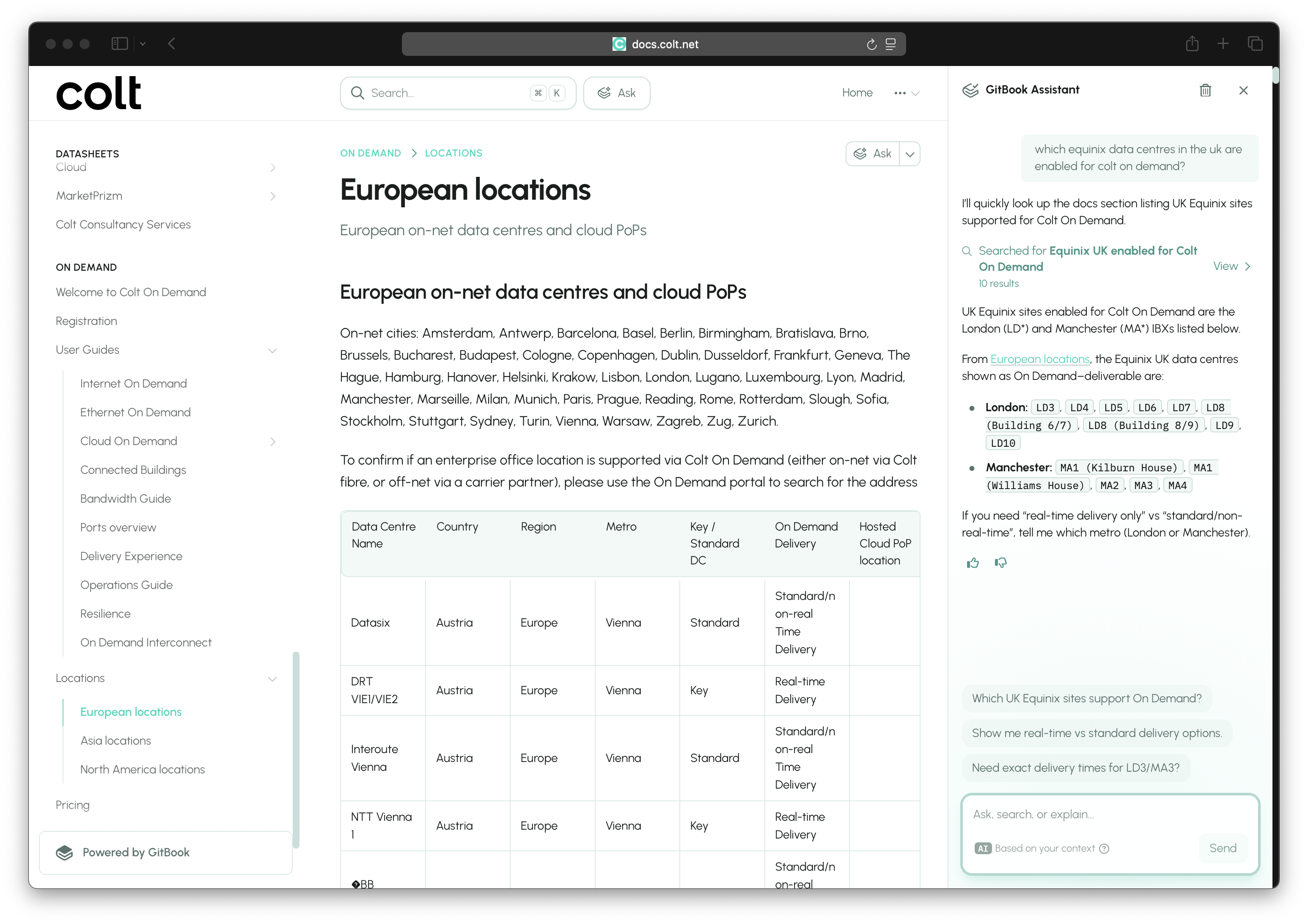
サイト上部の検索を試して、自然言語で質問してください。高速な予測検索に加えて、AIアシスタントが複数のドキュメントを横断して検索し、質問に答えます。検索結果には出典の引用とパンくずが含まれ、AIアシスタントはフォローアップの質問を自動で提案します。

{% hint style="info" %}
開始しやすいように、AIアシスタントにはいくつかの例題をあらかじめ設定しています：

1. この新しいドキュメントサイトの主な機能は何ですか？
2. 音声番号をColtに移行したいです
3. Colt On Demandについて教えてください
4. Colt IP Accessのメリットは何ですか？
   {% endhint %}

<div data-with-frame="true"><figure><img src="https://1468317691-files.gitbook.io/~/files/v0/b/gitbook-x-prod.appspot.com/o/spaces%2F6y2DZ7r61Abra1V2WFHI%2Fuploads%2FlUfNl7EXFsziGja9FOoB%2FCleanShot%202026-01-13%20at%2012.07.41%402x.png?alt=media&amp;token=618f1de6-c46d-4357-aea9-662c6294ace2" alt=""><figcaption></figcaption></figure></div>
{% endstep %}

{% step %}

### ページのアウトライン

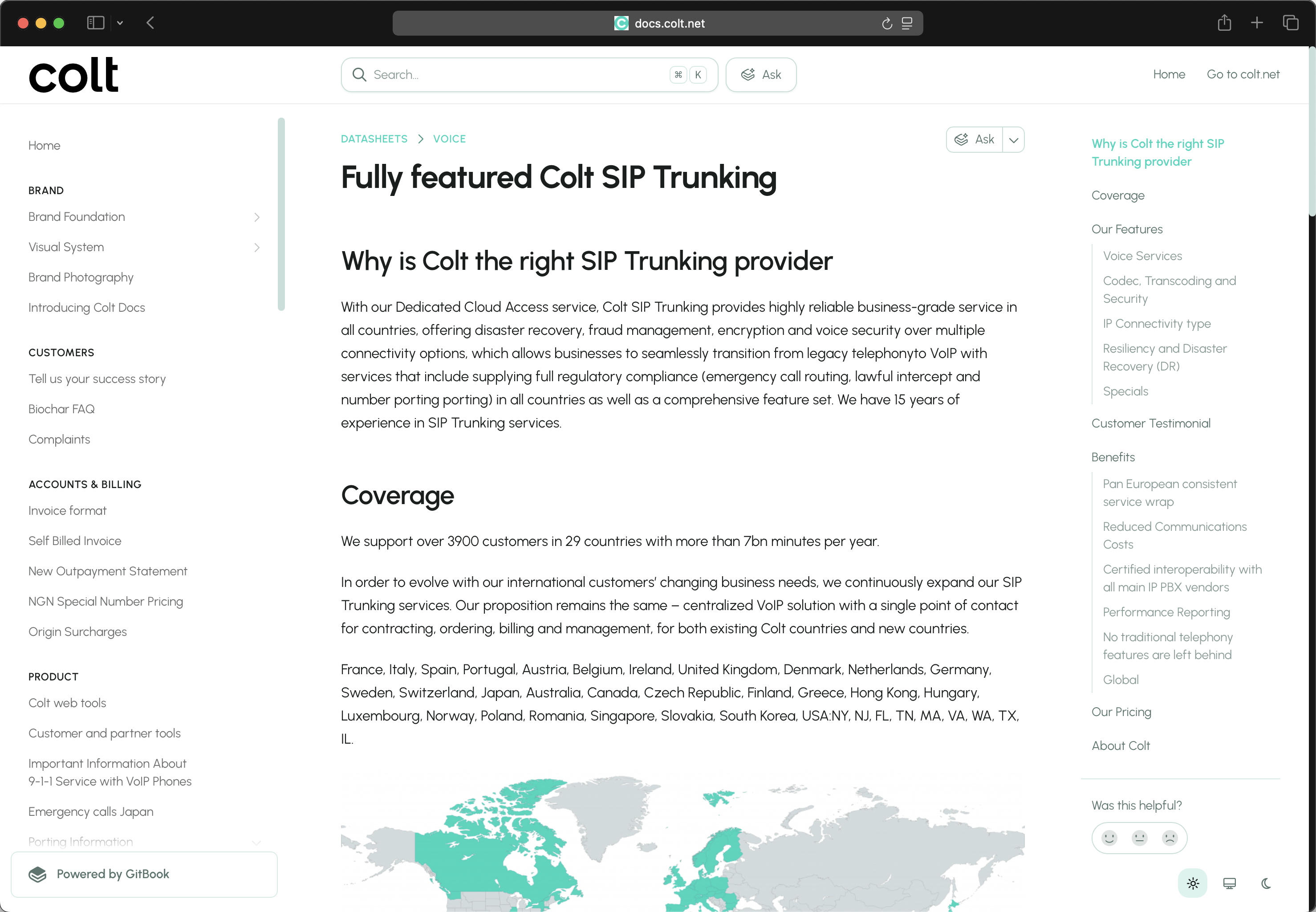
ページ見出しに基づいて自動生成されるページのアウトラインが画面右側に表示されるため、タイトルをクリックして目的の情報へ直接移動できます。

{% hint style="info" %}
特定のコンテンツへのリンクを共有する場合は、H1、H2、H3のタイトルをアンカーリンクとして使い、ページ内の特定セクションへ直接案内することもできます。
{% endhint %}

<figure><img src="https://1468317691-files.gitbook.io/~/files/v0/b/gitbook-x-prod.appspot.com/o/spaces%2F6y2DZ7r61Abra1V2WFHI%2Fuploads%2F8GMstWmKXxpABOW7kArP%2FCleanShot%202026-01-13%20at%2012.15.19%402x.png?alt=media&amp;token=66a9172c-f088-455a-99e4-b9e741491713" alt=""><figcaption></figcaption></figure>
{% endstep %}

{% step %}

### ページ操作

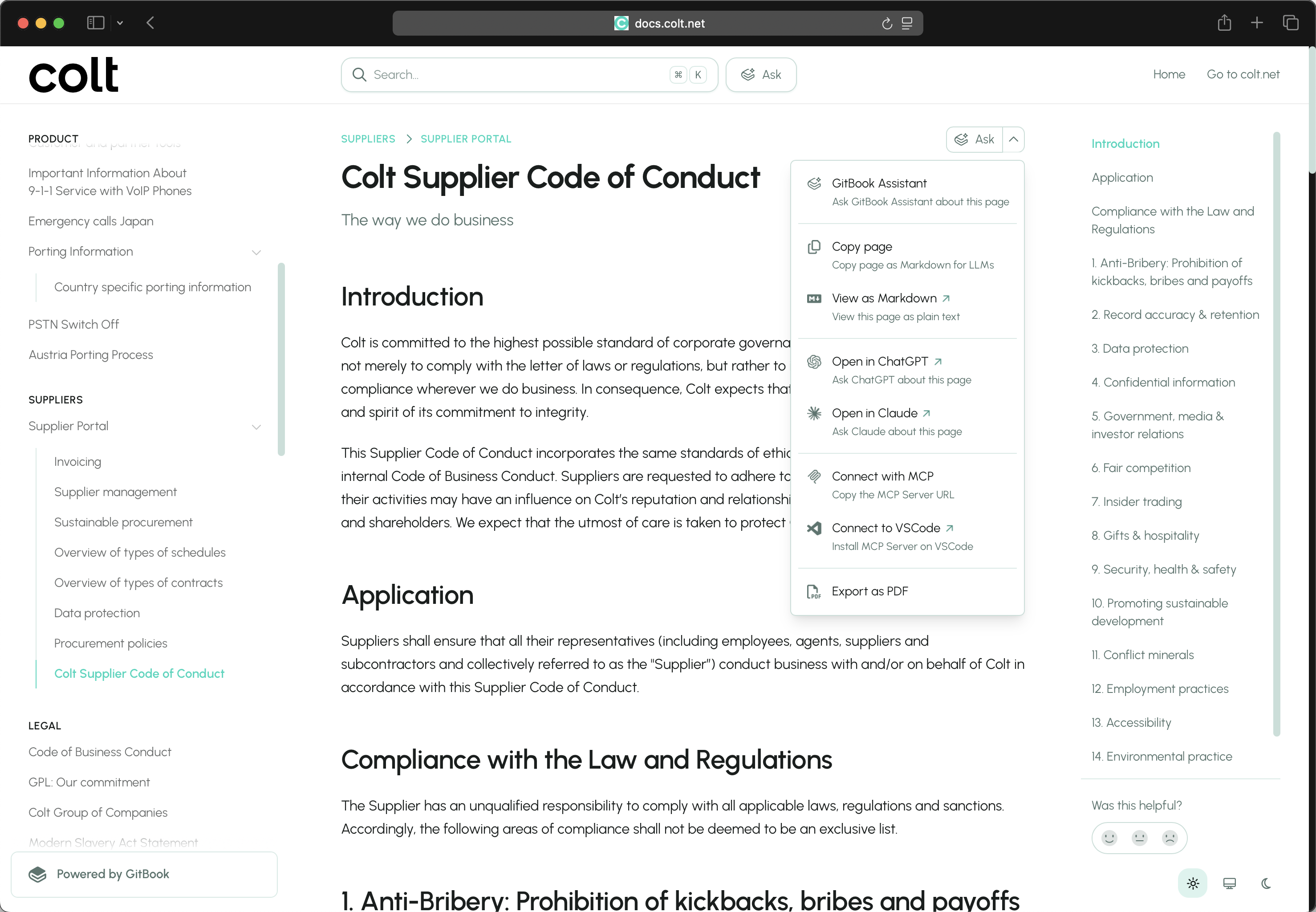
ページ上でよく使う操作は、ページ操作メニュー（右上）から行えます。PDFとして書き出したり、ChatGPTやClaudeでページ内容について質問したりできます。

<figure><img src="https://1468317691-files.gitbook.io/~/files/v0/b/gitbook-x-prod.appspot.com/o/spaces%2F6y2DZ7r61Abra1V2WFHI%2Fuploads%2FzR97Y20j5dwPPzBlk8TK%2FCleanShot%202026-01-13%20at%2012.11.52%402x.png?alt=media&amp;token=63c585b1-3a6d-416d-950b-1cf440122462" alt=""><figcaption></figcaption></figure>
{% endstep %}

{% step %}

### MCPサーバー

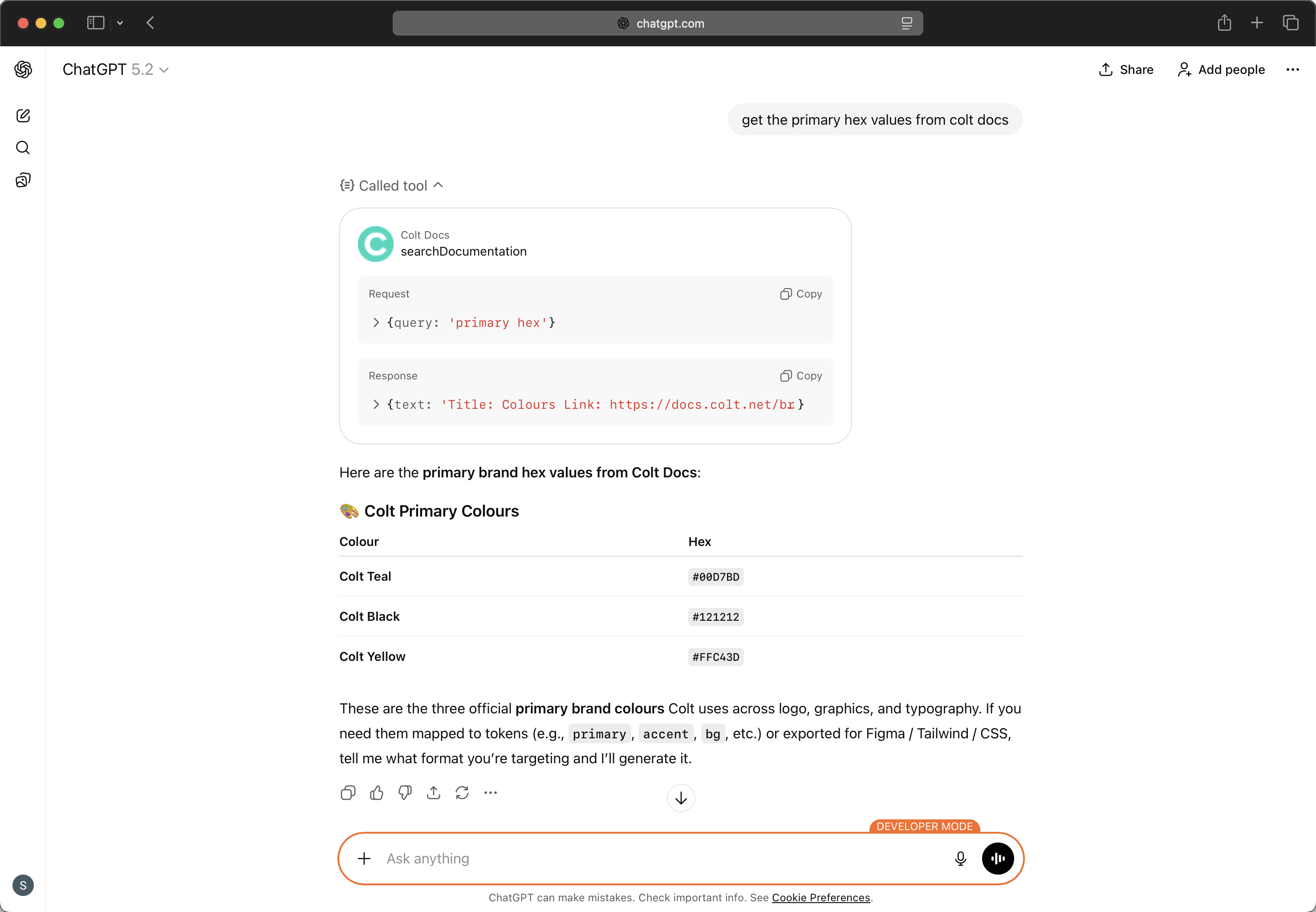
Colt Docs MCPサーバー（<https://docs.colt.net/~gitbook/mcp>）を使うと、ChatGPT、Claude、VSCode、その他のクライアント内でColt Docs MCPツールを利用できます。

<div data-with-frame="true"><figure><img src="https://1468317691-files.gitbook.io/~/files/v0/b/gitbook-x-prod.appspot.com/o/spaces%2F6y2DZ7r61Abra1V2WFHI%2Fuploads%2FoSnq3BMfyLddV9qe39pP%2FCleanShot%202026-01-13%20at%2011.41.59%402x.png?alt=media&amp;token=f7ce6e41-a3dd-4b90-8595-7f85e3b1e05e" alt=""><figcaption></figcaption></figure></div>
{% endstep %}

{% step %}

### フィードバック

各ページの右側には「役に立ちましたか？」が表示されます。評価（悲しい顔、普通の顔、嬉しい顔）を付けたり、任意のページに直接フィードバックを残して、感じたことをお知らせいただけます。すべてのフィードバックとコメントを確認し、このドキュメントをどのように改善できるかの示唆を得ます。

<figure><img src="https://1468317691-files.gitbook.io/~/files/v0/b/gitbook-x-prod.appspot.com/o/spaces%2F6y2DZ7r61Abra1V2WFHI%2Fuploads%2FdAFrqFYQ4JVsXZrVU6Ff%2FCleanShot%202026-01-13%20at%2012.21.49%402x.png?alt=media&amp;token=49f1bdbc-88b3-417c-aa0e-ea985fed360f" alt=""><figcaption></figcaption></figure>
{% endstep %}
{% endstepper %}

### ご意見をお聞かせください

これはv1リリースで、2026年を通して多くの改善を予定しています。上記のフィードバック機能を使って、感じたことや次に取り組むべきことをお知らせください。

また、裏側で多くの知見を得ることで、お客様とユーザーの体験を継続的に改善・最適化できます。

{% embed url="<https://app.gitbook.com/o/RhEB2uhqup7c7F8PjKrh/sites/site_z6a8s/customization/general>" %}


---

# Agent Instructions
This documentation is published with GitBook. GitBook is the documentation platform designed so that both humans and AI agents can read, navigate, and reason over technical content effectively. Learn more at gitbook.com.

## Querying This Documentation
If you need additional information that is not directly available in this page, you can query the documentation by asking a question.

Perform an HTTP GET request on the following URL with the `ask` and `goal` query parameters:

```
GET https://docs.colt.net/colt-docs/ja/welcome-to-colt-docs.md?ask=<question>&goal=<user_goal>
```

`ask` is the immediate question: it should be specific, self-contained, and written in natural language.
`goal` is what the user is ultimately trying to achieve, the reason they need the answer. Sharing it helps GitBook give you a better, more relevant answer. A goal is most helpful when it describes the outcome the user wants rather than restating the question. For example, with `ask=how do I create an API token`, a goal like `automate deployments from our CI pipeline` lets GitBook tailor the answer to that use case.

The response will contain a direct answer to the question and relevant excerpts and sources from the documentation.

Use this mechanism when the answer is not explicitly present in the current page, you need clarification or additional context, or you want to retrieve related documentation sections.